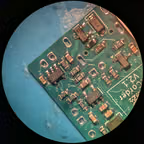
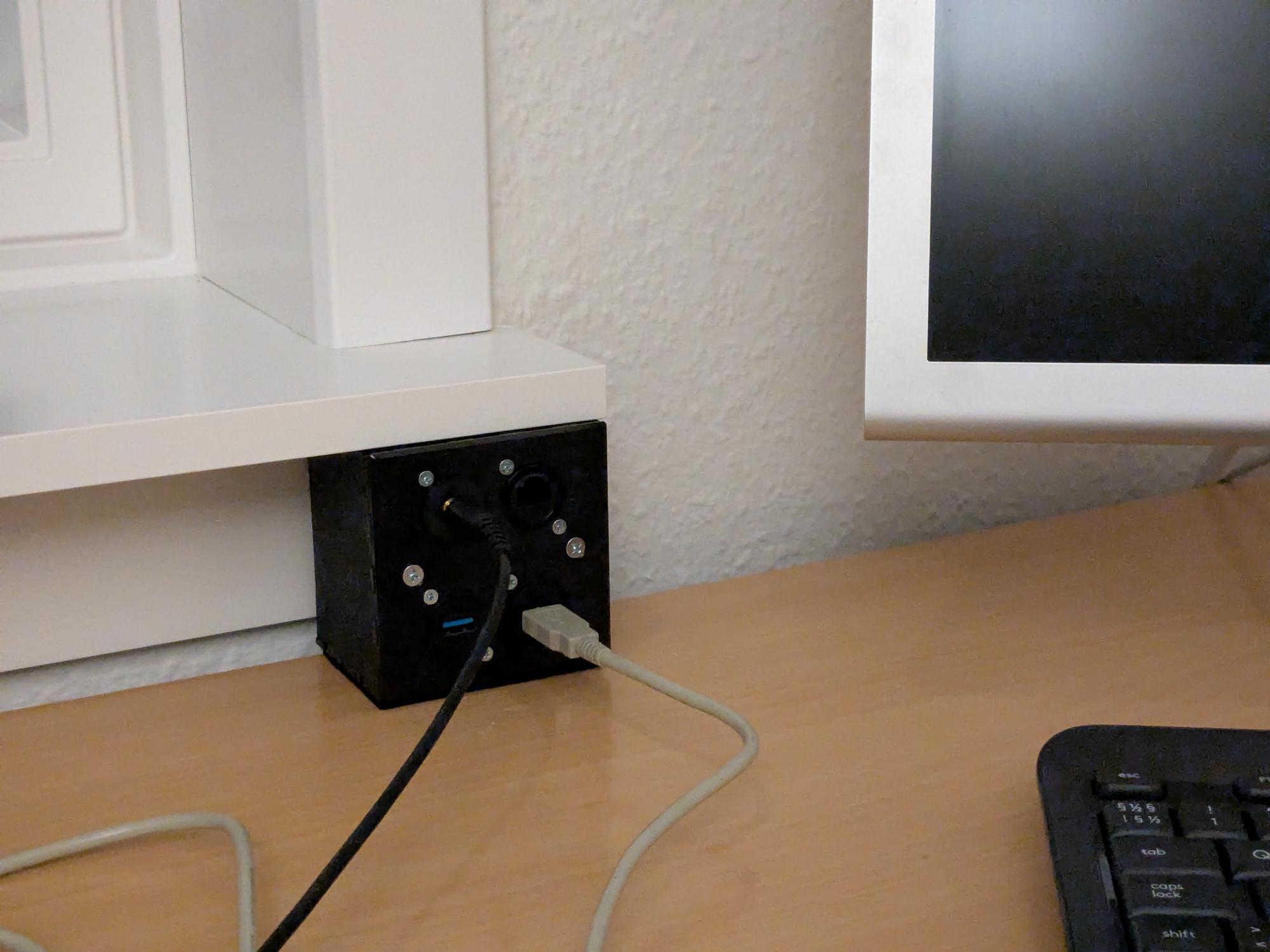
Found a tiny table clamp. It works well and looks super clean.
Also I’m pivoting. Literally. I realized the whole point of my workdesk monitor is being able to pivot it in front and to the side. That’s not gonna work with a bunch of cables anchored to the desk.
Now how to mount this beneath the monitor safely… I first considered mounting to some plastic tabs on the back, but i worry that would make for too weak a structure… Maybe shim the vesa mount?
I’ve been backing up youtube videos from a select few channels for reasons for quite a while now, though I never got around making them actually easy to watch. It feels very silly to have the files available locally and still stream them from an unreliable service. So I’m gonna give Tube Archivist a try.
Read More
I of course don’t want to redownload everything, but in my infinite wisdom, I decided to remove the youtube video IDs from the file names, which is like the one thing you need for importing existing files. But at least I have the original URL saved in the file metadata so, if you’re in the same situation, you could do something similar to this using ffmpeg:
#!/bin/bash
mkdir -p out
# mp4 files are located in channel subdirectoriesfor file in ./*/*.mp4; doif[[ -f "$file"]]; then#Extract file name dirname="${file%/*}/" basename="${file:${#dirname}}"# Extract file metadata with ffmpeg ffmpeg -i "$file" -f ffmetadata meta.txt
# grep video id, trim the newline and select the last 11 characters (IDs are always this length) vidid=$(grep -oP 'watch\?v\\=([A-Za-z0-9_-]{11})' meta.txt | tr -d '\n' | tail -c 11) rm meta.txt
# Rename into out directory, as ta expects everything flat mv "$file""out/${basename%.*}[$vidid].mp4"fidone
Do note that this works, but it’s not well written. The video id extraction thing is especially … off. I just don’t get along with regex things outside, well, I don’t get along with anything pattern matching anywhere tbh.
Found a bunch of smaller harddisks in the trash a while back. A recent (enjoyably accessible) L1Techs video on hdd diagnostics and recovery reminded me I should probably see if I could find some place to get them back into service.
My usually disk ripping machine is taking the duty of hdd tester. I have motherboards with enough sata sockets to process everything at once, but I just want it running as a background activity that requires minimal thinking or memory on my end.
The idea is to minimize any cable clutter on the desks while making it easier to set up a device or tool.
So if I need to use a scanner, I can pull it from its drawer where it’s packed with a power and usb cable, and just plug it in.
Some future confusion avoided… Got a USB cable tester just out of curiosity. I found:
Three actually bad cables. Two mini and one micro USB. One had clear rust marks. One had limited insertion depth. One showed no signs at all.
A bunch of mini USB and some micro USB cables don’t have the shield connected. Perhaps optional in the spec?
Mac USB-C cables have strange behavior of apparently tying the CC pins to ground/shield at one end? Either that or perhaps they have some internal electronics going on.