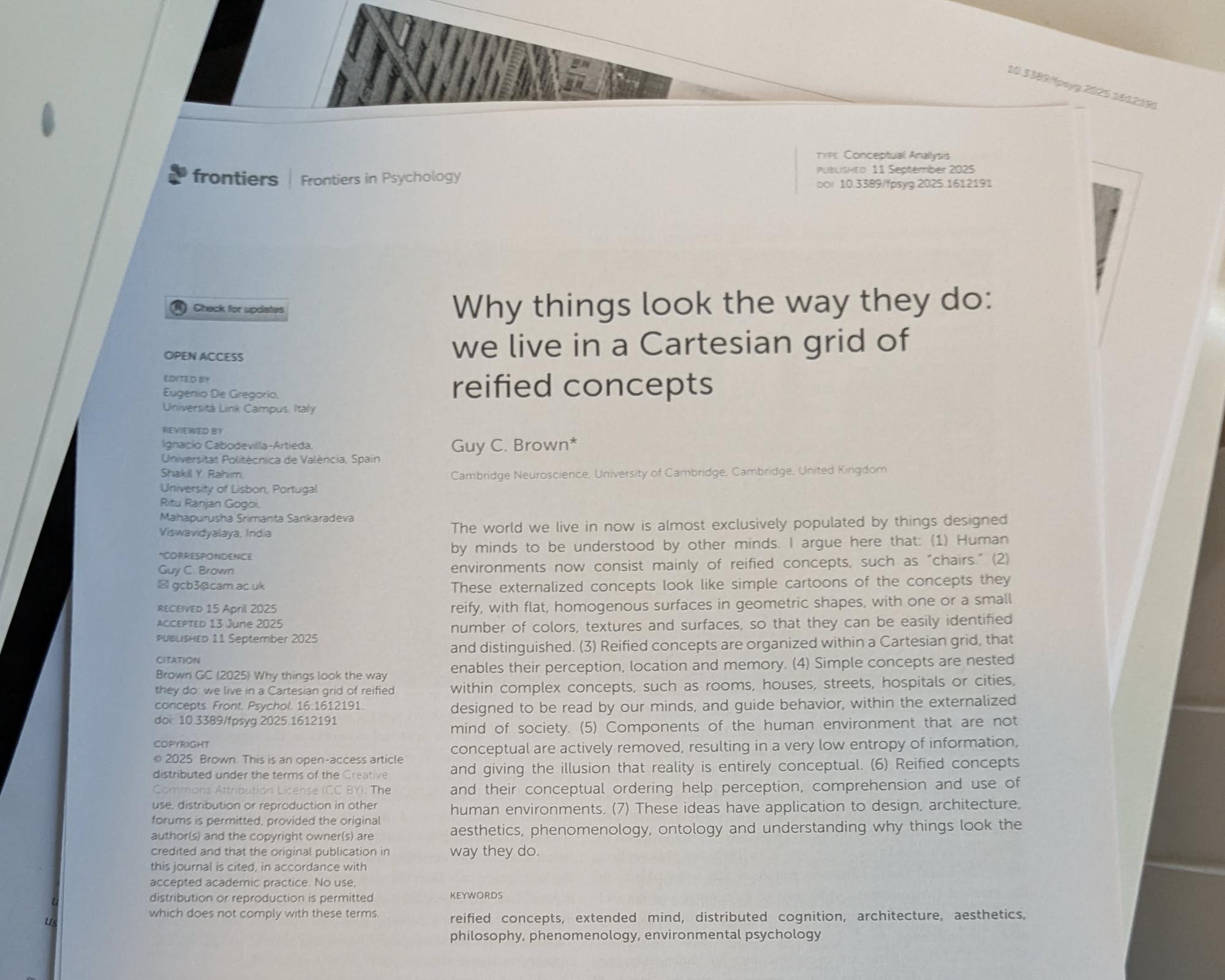
Was thinking about a mashup genre called officecore, which is really just whatever embarrasing music you’re listening to on your headset and would never share with colleagues, occationally broken up by outlook and slack notification sounds. So basically the inverse of the ‘cute girl, I wonder what she’s listening to’ meme.
Then I had a search to see if people were already doing something like it and found out it’s apparently a recent fashion trend which just seems to just romantizise 90s era white-collar aesthetics at a complete surface level. Which made me a bit sad.
I’ve been backing up youtube videos from a select few channels for reasons for quite a while now, though I never got around making them actually easy to watch. It feels very silly to have the files available locally and still stream them from an unreliable service. So I’m gonna give Tube Archivist a try.
Read More
I of course don’t want to redownload everything, but in my infinite wisdom, I decided to remove the youtube video IDs from the file names, which is like the one thing you need for importing existing files. But at least I have the original URL saved in the file metadata so, if you’re in the same situation, you could do something similar to this using ffmpeg:
#!/bin/bash
mkdir -p out
# mp4 files are located in channel subdirectoriesfor file in ./*/*.mp4; doif[[ -f "$file"]]; then#Extract file name dirname="${file%/*}/" basename="${file:${#dirname}}"# Extract file metadata with ffmpeg ffmpeg -i "$file" -f ffmetadata meta.txt
# grep video id, trim the newline and select the last 11 characters (IDs are always this length) vidid=$(grep -oP 'watch\?v\\=([A-Za-z0-9_-]{11})' meta.txt | tr -d '\n' | tail -c 11) rm meta.txt
# Rename into out directory, as ta expects everything flat mv "$file""out/${basename%.*}[$vidid].mp4"fidone
Do note that this works, but it’s not well written. The video id extraction thing is especially … off. I just don’t get along with regex things outside, well, I don’t get along with anything pattern matching anywhere tbh.
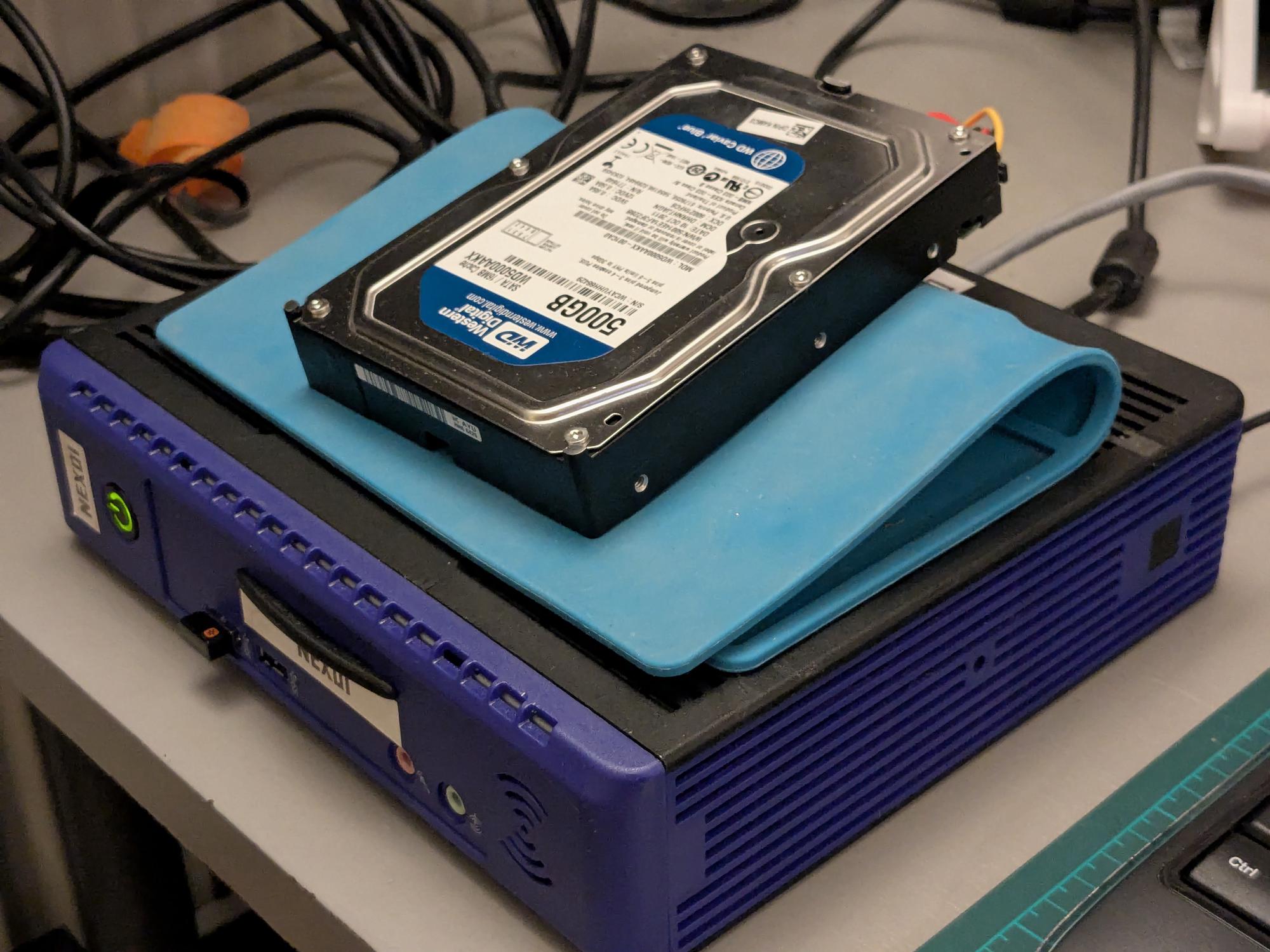
Found a bunch of smaller harddisks in the trash a while back. A recent (enjoyably accessible) L1Techs video on hdd diagnostics and recovery reminded me I should probably see if I could find some place to get them back into service.
My usually disk ripping machine is taking the duty of hdd tester. I have motherboards with enough sata sockets to process everything at once, but I just want it running as a background activity that requires minimal thinking or memory on my end.
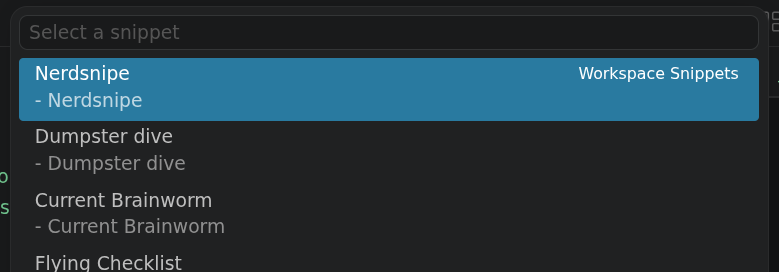
I wrote a little python script using the frontmatter package to generate a vs code snippets file from the tags of existing posts, so that I can ctrl + space in the frontmatter to add existing tags. I’m enjoying the whole infrastructure building thing…
Read More
The script for anyone curious:
#!/usr/bin/env python3import os
import frontmatter
import json
tags = set()
for root, dirs, files in os.walk(r"./content/"):
for n in files:
fp = os.path.join(root, n)
with open(fp, "r", errors="ignore") as f:
post = frontmatter.load(f)
if'tags'in post:
for tag in post['tags']:
if tag:
tags.add(tag)
print(tags)
snippetObj = dict()
for tag in tags:
snippetObj[tag] = {
"scope": "yaml",
"prefix": tag,
"body": "- "+ tag
}
with open(".vscode/tags.code-snippets", "w") as f:
f.write(json.dumps(snippetObj, indent=4))
And then "runOn": "folderOpen" in the tasks.json to make it rebuild on opening the editor.
Oh I’m having a bit of fun with this. Added another one for autogenerating shortcode snippets. Currently only clever enough to add a closing tag if the file uses .Inner, but hey, still an improvement to ease of writing.
Read More
I added glob matching to manage if different themes are used:
#!/usr/bin/env python3import os
import glob
import json
snippetObj = dict()
for path in glob.glob(r"./themes/*/layouts/*shortcodes"):
for root, dirs, files in os.walk(path):
for n in files:
fp = os.path.join(root, n)
with open(fp, "r", errors="ignore") as f:
shortcodeName = n.replace(".html", "")
print(shortcodeName)
body ="{\{<"+shortcodeName+" ${1:$TM_SELECTED_TEXT} >}}"if'.Inner'in f.read():
body ="{\{<"+shortcodeName+" $1 >}}\n${2:$TM_SELECTED_TEXT}\n{\{</"+shortcodeName+" >}}" snippetObj[shortcodeName] = {
"scope": "markdown",
"prefix": shortcodeName,
"body": body
}
with open(".vscode/shortcodes.code-snippets", "w") as f:
f.write(json.dumps(snippetObj, indent=4))
Oh right… Not executing but correctly rendering a shortcode within a code tag within a shortcode is apparently just not an easy thing. I gave up, if you wanna use the code above, remove the added backspaces within the curly brackets…
About the cleverness of the script, it might be easiest to just have a comment in each shortcode with the snippet body specified…