A companion foot-petal for super-less keyboards
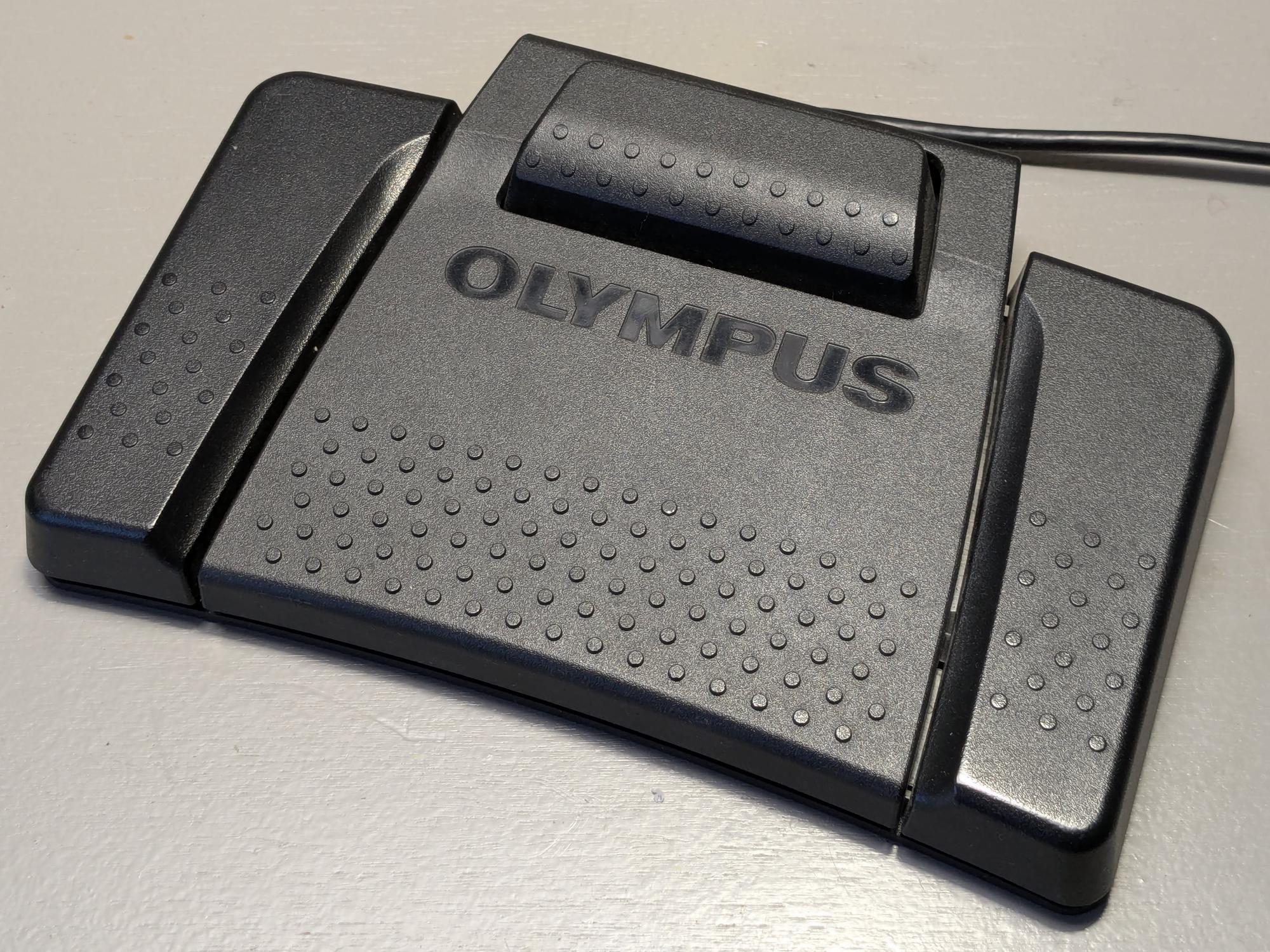
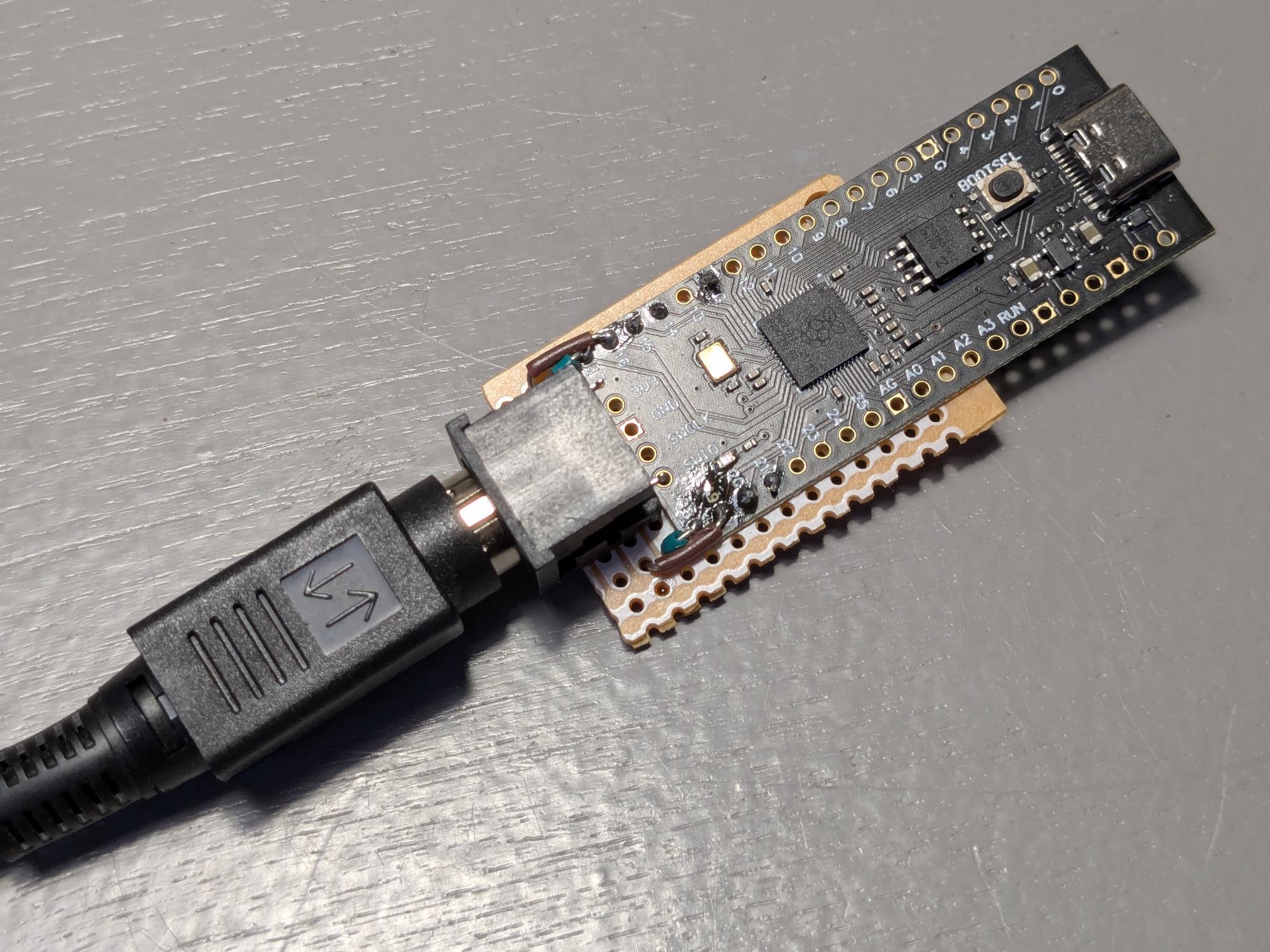
TLDR I turned a foot petal into a macro keyboard so I can use my model M keyboard again. The quickest way to go about this is just wiring it up to an rpi pico and programming it with circuitpython (due to the USB HID library). Elaboration below.
Read More
Years ago my brother found a couple of olympus foot pedals in the trash. Model number RS31, they have four buttons. From what I can tell they’ve been used together with transcription systems to play/pause and scrub through recordings. Quite neat. Both had USB adapters but neither show up in dmesg. Maybe that’s why they were thrown out… Oh well. The pedals use 8 pin micro-din. The wiring is as simple as can be: All switches share a common pin and are normally open. Ground the common and have pull-up inputs on each switch to read them out.
Even longer ago I bought a model M keyboard off of a friend who found it in the trash. It’s using the Danish layout, how rare. It’s a lovely keyboard, but I stopped using it due to its lacking super-key, which I rely on a lot for navigating my compositor (sway). Well if I had an extra switch somewhere, this would be no issue. While I got some ways on an adapter, I shelved the project due to confusing hardware issues.
Being stuck at home due to a cold (but not bad enough to be in bed constantly), I had enough of writing on one of those horribly soft wireless logitech keyboards, so I finally fixed what I started. (It turns out i just had a loose connection in a solder joint…)
Way back I went with an rpi pico due to its native usb support. I’ve never gotten into that ecosystem though. Long story short, I couldnt get arduino to work with it on my nix machine (likely misconfiguration on my part), and it appears to be broken on mac due to the compiler supplied not having an arm execuable. I had different but similarly confusing problems trying to run the official c/c++ sdk… Anyways, circuitpython just works and has a library for appearing as a USB HID.
The code it runs is very simple:
import board
import digitalio
import usb_hid
from adafruit_hid.keyboard import Keyboard
from adafruit_hid.keycode import Keycode
import time
import storage

kbd = Keyboard(usb_hid.devices)

led = digitalio.DigitalInOut(board.LED)
middleButton = digitalio.DigitalInOut(board.GP21)
rightButton = digitalio.DigitalInOut(board.GP14)
leftButton = digitalio.DigitalInOut(board.GP19)
upButton = digitalio.DigitalInOut(board.GP20)

led.direction = digitalio.Direction.OUTPUT

middleButton.switch_to_input(pull=digitalio.Pull.UP)
leftButton.switch_to_input(pull=digitalio.Pull.UP)
rightButton.switch_to_input(pull=digitalio.Pull.UP)
upButton.switch_to_input(pull=digitalio.Pull.UP)

# Automatically remove drive on use
while (middleButton.value == 1):
    time.sleep(0.1)
storage.unsafe_disable_usb_drive()

while True:
    led.value = False
    if(middleButton.value == 0):
        led.value = True
        kbd.press(Keycode.WINDOWS)
        while(middleButton.value == 0):
            time.sleep(0.1)
        kbd.release_all()
    if(rightButton.value == 0):
        led.value = True
        kbd.send(Keycode.WINDOWS, Keycode.TAB)
        while (rightButton.value == 0):
            time.sleep(0.1)
    if(leftButton.value == 0):
        led.value = True
        kbd.send(Keycode.WINDOWS, Keycode.SHIFT, Keycode.TAB)
        while (leftButton.value == 0):
            time.sleep(0.1)
    if(upButton.value == 0):
        led.value = True
        kbd.press(Keycode.WINDOWS, Keycode.LEFT_SHIFT)
        while(upButton.value == 0):
            time.sleep(0.1)
        kbd.release_all()
By default a circuitpython device shows up as a usb storage device (and serial device), which does appear kinda ugly. A suggested solution is to disable the drive on boot. This feels a bit too permanent for me. I still don’t know exactly what all four buttons should do yet. Instead I call storage.unsafe_disable_usb_drive() on first activity, so the device can be reprogrammed by replugging it. The documentation has big scary warnings about this, so we’ll see if it breaks eventually. I suppose another approach could be re-enabling it through the REPL?
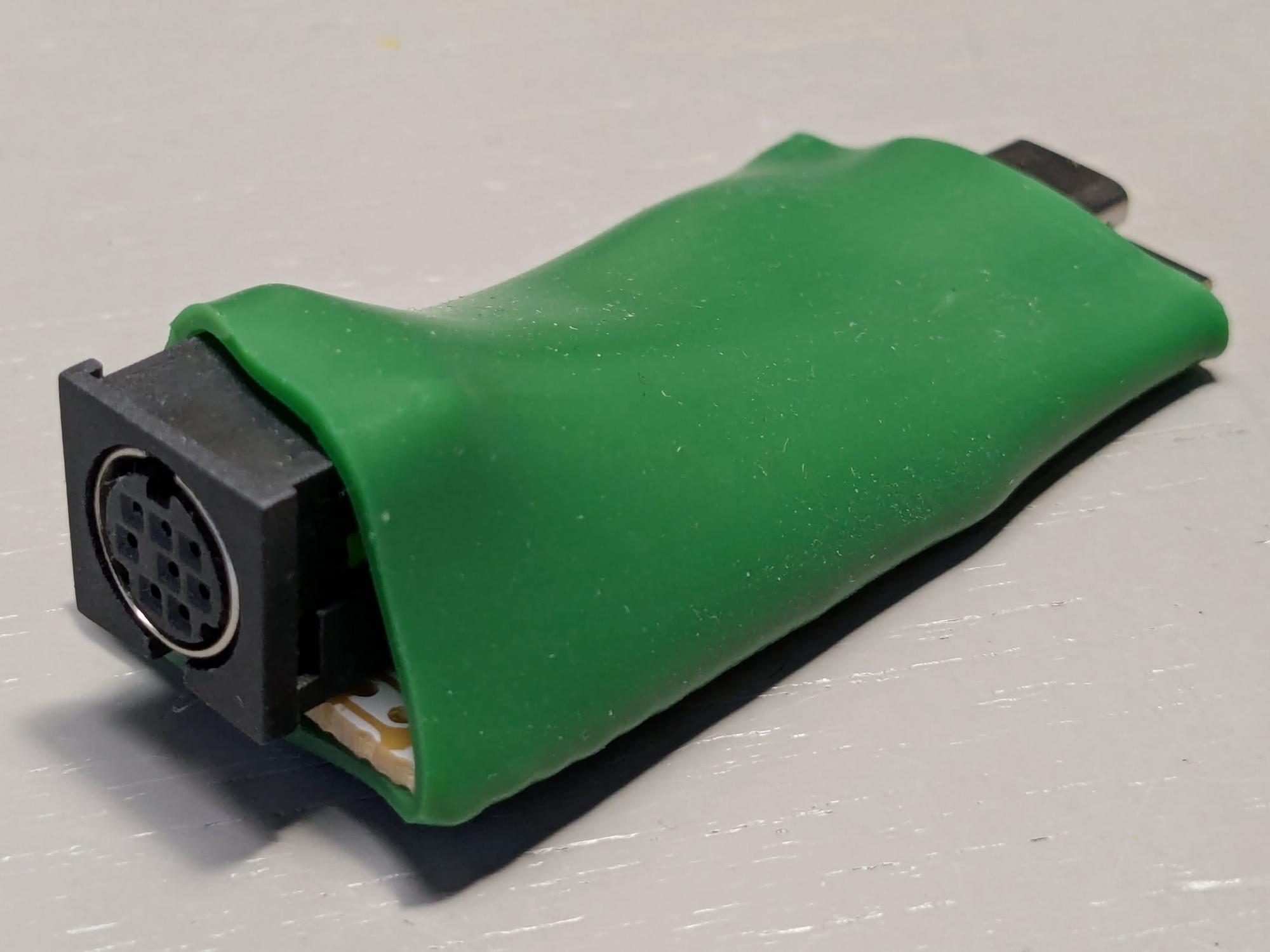
I think I’m in a better crude-but-functional than perfect-but-uncomplete phase :p